· By Nicholas “Nick” O'Sullivan, Townsville
Free charity and not-for-profit cyber security scanner is now live
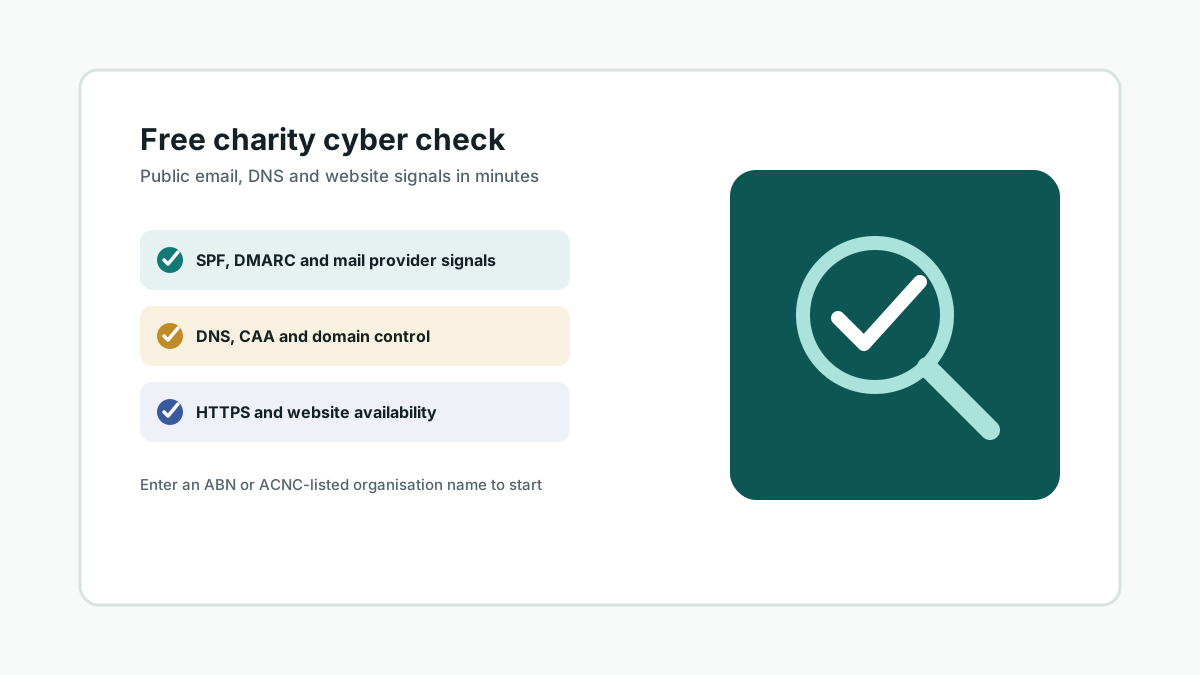
Suburban Secure has published a free, public-signal cyber security check built specifically for Australian charities and not-for-profits. It is live now at suburbansecure.au/free-charity-cyber-check — enter an ABN or ACNC-listed organisation name, and it checks whether there is already a recent snapshot on file or refreshes the public website, DNS and email security signals where possible.
The check draws on the same open-source-intelligence approach we use across every review: only public, passive information — no login, no credentials, no scanning of anything a normal browser or DNS lookup would not already see. It looks at SPF, DMARC and DKIM visibility, DNS name servers and CAA records, HTTPS availability and certificate health, reverse DNS, public spam blocklist status, and which mail provider (if any) is publicly detectable — matched against the organisation’s own listing in the ACNC charity register.
It is deliberately scoped as a lightweight public-information check, not a penetration test or vulnerability assessment. The goal is a plain-English starting point for a leadership conversation, aligned with the Australian Cyber Security Centre’s own checklist for charities and not-for-profits: multi-factor authentication, keeping software updated, backing up important data, training people to recognise scams, reviewing access controls, and having an incident plan.
We built it after seeing how much a charity’s public-facing email and domain posture can say about who is actually managing the account day to day — often nobody in particular, because the platform was set up years ago by a volunteer who has since moved on. A five-minute check is a far easier first step than a full review for a board or treasurer who is not sure where to start.
Update, 26 July 2026: since this first version, the check has grown to also cover DKIM record detection, TLS certificate validity and expiry, reverse DNS for the mail/website server, and whether the domain or mail server appears on public spam blocklists — on top of the original SPF/DMARC, DNS and HTTPS signals. Still coming: catching dangling DNS records where a domain still points at infrastructure that no longer exists (the kind of gap someone else could register and use to impersonate an organisation), and a domain-expiry check.
If you look after the technology for a charity, church, school or community organisation, it is worth two minutes to see what is publicly visible about yours.