· By Nicholas “Nick” O'Sullivan, Townsville
WordPress just had a rough month: what every business and charity website owner should check now
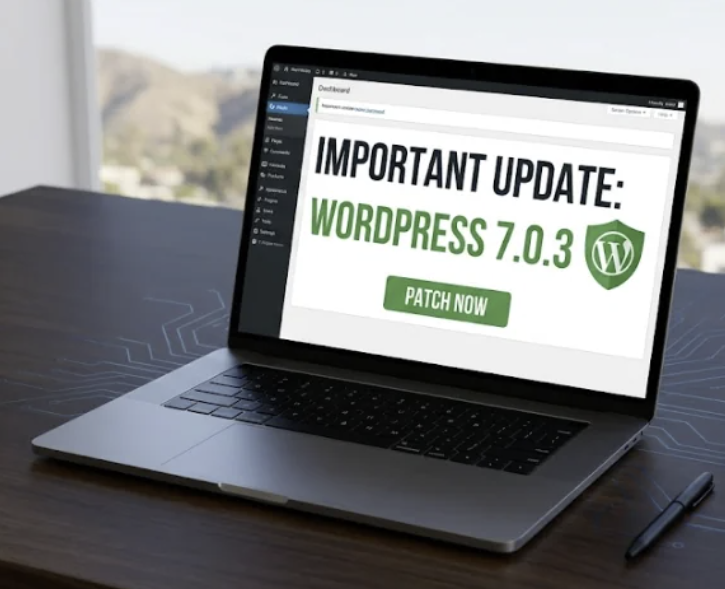
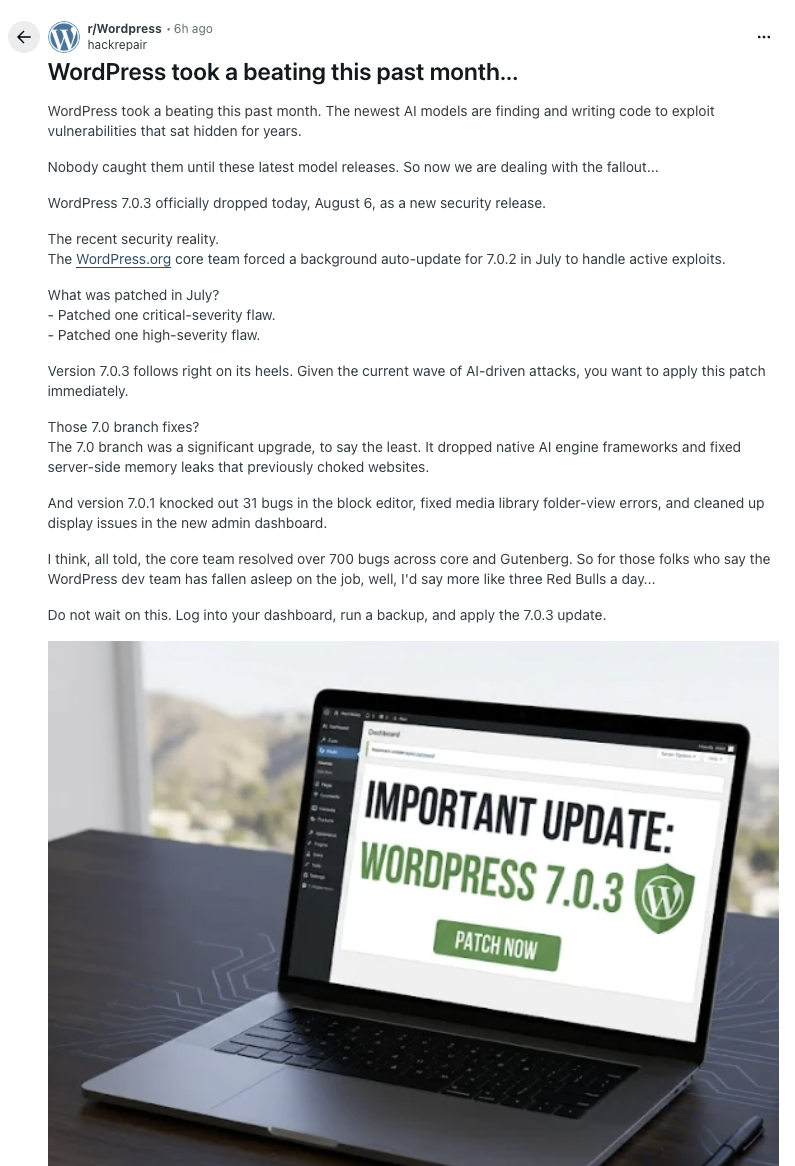
WordPress had a rough month. A thread on r/Wordpress titled “WordPress took a beating this past month…” has been doing the rounds among developers. Its opening line is the part that matters if you’ve never touched a line of PHP in your life: “The newest AI models are finding and writing code to exploit vulnerabilities that sat hidden for years. Nobody caught them until these latest model releases.”
That’s not really a WordPress problem. It’s the new baseline for every piece of software your business runs — WordPress just happened to be first and loudest about it this time.
Here’s the timeline of what actually happened:
- Mid-July 2026 — WordPress.org’s core team forced a background auto-update to version 7.0.2 to shut down attacks that were already active.
- What it fixed — one critical-severity flaw and one high-severity flaw.
- 6 August 2026 — WordPress 7.0.3 shipped as a further security release, days later.
- Two security releases inside a few weeks is unusually fast, even for WordPress, which already ships more often than most software.
If your website runs on WordPress and you don’t know whether it’s on 7.0.3, that’s the first thing to find out today.
It isn’t just WordPress, either. The reaction on that thread backs it up — commenters pointed out that multiple Linux distributions have shipped unusually frequent security releases recently too. As one put it: “even good coders don’t know everything, whereas AI has been trained on a vast range of programming knowledge and can often identify issues that humans miss.” Expect more of this across every kind of software, not less.
Here’s the part that should actually worry a small business or charity: this pattern hits hardest exactly where nobody’s looking.
A well-maintained website with someone actively watching it gets patched within days, same as always. The one that gets found and exploited first looks like this instead:
- It was set up three or four years ago — for a campaign, a rebrand, an old event, a volunteer’s side project.
- Nobody’s logged in since, so nobody saw the patch notice.
- Nobody remembers the admin password, let alone who’s supposed to be watching it.
- Nobody even remembers the site is still live.
That describes a genuinely large share of small business and charity websites in Australia right now — and it’s precisely the profile that automated, AI-assisted scanning is built to find at scale.
This exact pattern is why the Australian Signals Directorate’s Australian Cyber Security Centre (ASD’s ACSC) published dedicated guidance on it: Defending against AI-enabled cyber attacks: guidance for small businesses, first published 6 July 2026. It’s short, plain-English, and worth five minutes even if you’ve never read an ACSC publication before.
ACSC’s own words for why this matters: hackers can use AI to rapidly discover and exploit vulnerabilities — especially in websites — target many victims at once, and move fast from initial compromise to data theft or extortion.
Their recommended actions for small businesses, worth restating in full because most take minutes rather than hours:
- Share this guidance within your business to raise awareness of AI-enabled attacks.
- Turn off websites you no longer need, and disable features you don’t need on the ones you keep — the single biggest lever for the “set up years ago, never touched since” problem above.
- Turn on automatic security patches and updates for staff computers, tablets and phones, especially browsers and operating systems.
- Review which companies store and share your customer data, and consider changing providers if they don’t take security seriously.
- If your business develops software, including a website, use a proper QA process, including scanning for vulnerabilities.
- Identify one specific person or provider responsible for the cyber security of your website — “someone probably looks after that” is not an answer you want to be giving in an actual incident.
ACSC also sets out four questions worth putting directly to whoever maintains your website — your web developer, agency or hosting provider. It’s worth pushing for a straight answer on all four, not just a reassuring tone:
| Ask your provider | Why it matters |
|---|---|
| Is the software behind my website still supported, with security patches available? | Unsupported software stops getting fixes for newly found flaws. If the answer is no, ask what it would take to replace it. |
| Are security patches applied automatically, or rapidly after release? | WordPress needed a forced emergency patch in July because exploitation was already active. Slow patching is exactly the gap AI-assisted scanning is built to find. |
| Is it made by a reputable company, and securely configured? | Unnecessary features and insecure default settings are extra doors left unlocked, even on fully patched software. |
| If my website gets hacked, how fast will I know — and can you fix it, evict the attacker and restore a clean backup? | This is the question that separates "someone probably looks after that" from an actual incident response plan. |
If you can’t get a confident answer to all four from whoever you’d normally ask, treat that as the finding itself — not a reason to drop the question.
Bringing it back to WordPress specifically, here’s a five-minute checklist:
- Log into your dashboard and check your version under Updates. If you’re not on 7.0.3, update it today.
- Can’t remember how to log in, or haven’t in a while? That difficulty is the signal — nobody’s watching this site closely enough to catch the next emergency patch when it matters.
- Check your plugins and themes too, not just core. Abandoned ones that no longer receive updates are frequently the weaker link.
- If a site genuinely isn’t doing anything for you anymore, turn it off rather than leave it running unattended as a target.
This is exactly the gap our free business cyber security check and free charity cyber security check are built to surface — a quick, no-cost look at your organisation’s public website, DNS and email security signals, the same kind of thing an attacker (or an AI doing the scanning for them) would look at first.
If you’d rather talk it through directly, or want a proper Leadership Technology Review covering your whole technology footprint rather than just the website, get in touch. And if you know a business or charity running a website nobody’s looked at in years, forwarding them this article is a genuinely useful thing to do today — the whole point of ACSC’s first recommended action is sharing this kind of guidance around before it’s needed.