· By Nicholas “Nick” O'Sullivan, Townsville
Before you donate that laptop: the security step digital inclusion depends on
The 2025 Australian Digital Inclusion Index analysis for North Queensland makes the need for affordable, suitable technology very clear. Re-housing serviceable business and household computers can help meet that need while keeping useful equipment out of the e-waste stream.
But a device donation is also a security handover. A laptop that leaves an office, school or home can carry documents, cached email, browser sessions, saved credentials, customer records, photos and recovery information. It may also remain registered in Microsoft Intune or Autopilot, Apple Business Manager, Google administration or another management platform. That can expose the former owner and leave the recipient with a device they cannot properly use.
Where shortcuts cause problems
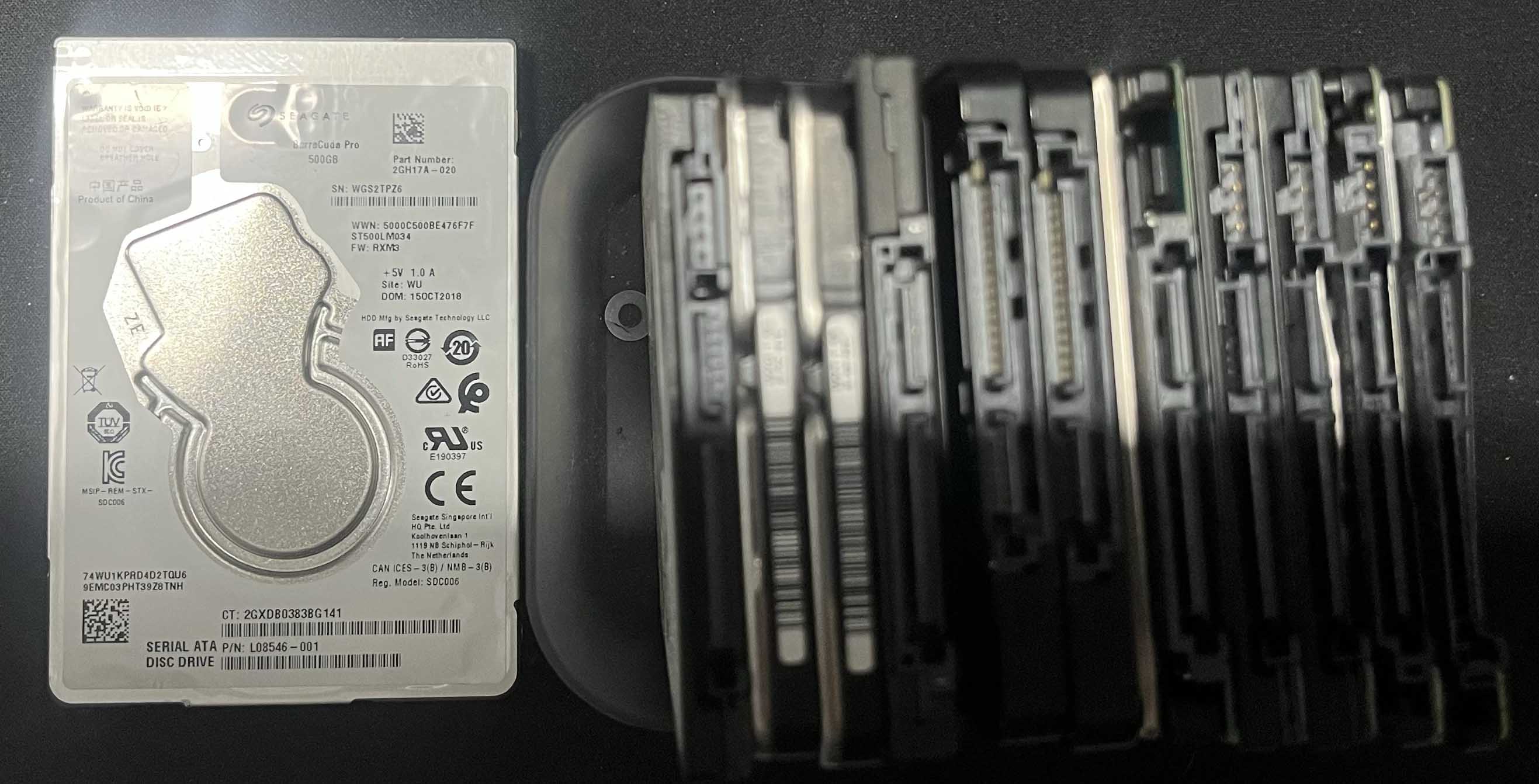
Deleting visible files, removing a user profile or performing an unverified quick reset is not the same as demonstrating that the underlying storage has been appropriately sanitised. The right method depends on the storage technology, the sensitivity of the information and whether the device is being reused or destroyed.
Unsupported hardware creates a second problem. Passing on a computer that cannot run a supported, patched operating system may shift cost and cyber risk to the student, family or community organisation it was meant to help.
Australian Signals Directorate guidance says media should be sanitised, destroyed or declassified before it is released into the public domain. It also says storage that cannot be successfully sanitised—for example because it is faulty or damaged—should be destroyed before disposal. The current NIST SP 800-88 Revision 2, published in September 2025, treats this as an organisational media-sanitisation program rather than a one-off software task.
A defensible reuse process
Before any device is donated or re-housed:
- Record and authorise the handover. Identify the asset and confirm the organisation is entitled to release it.
- Retain what must be kept. Back up required information and meet any legal, contractual or records-retention obligations.
- Remove organisational control. Sign out accounts and remove the device from identity, activation-lock, endpoint-management and asset-management systems.
- Choose an appropriate sanitisation method. Match it to the media, the data sensitivity and the intended outcome—reuse or destruction.
- Verify and document the result. Record the device or drive identifier, method, date, outcome and responsible person or provider.
- Check the recipient experience. Confirm the hardware is reliable, the operating system is supported and the new owner can safely set it up and update it.
- Destroy storage that cannot be sanitised. Recycle the remaining equipment through an appropriate e-waste pathway.
This is why established re-housing programs matter. LiteHaus International’s device-donation information, for example, says its process includes secure data erasure and reporting before retired computers are redeployed. The point is not that there is only one suitable organisation; it is that good intentions need a repeatable security process behind them.
Suburban Australia’s companion article looks at the wider circular-economy and community case for re-housing useful devices. Its Townsville computer recycling initiative provides another local pathway for assessing, securely clearing, re-housing or responsibly recycling retired technology.
The bottom line is simple: do not make organisations choose between digital inclusion and data security. A well-run device lifecycle can deliver both. For the complete regional figures, charts and downloadable ADII data archive, read Nick’s original analysis.