Charity or not-for-profit
Search by ABN or ACNC-listed organisation name. Built for boards, treasurers and volunteer leaders who need a plain-English starting point, not a technical audit.
Start the charity checkEnter your domain and get a free, plain-English snapshot of your email, DNS and website security — right now, with no account required and no obligation.
Most businesses and charities set up their website, email and DNS once — often years ago, sometimes by someone who has since moved on — and never look at it again. Security configuration decays quietly in the background: mail authentication drifts, certificates lapse, and nobody notices until something breaks or a scammer sends an email that looks like it came from you. This check exists to catch that before it becomes a problem, not to suggest anyone did a bad job setting it up in the first place.
Both paths run the same free, plain-English check — the only difference is how you're found.
Search by ABN or ACNC-listed organisation name. Built for boards, treasurers and volunteer leaders who need a plain-English starting point, not a technical audit.
Start the charity checkEnter your business name and domain directly (ABN optional). Built for owners, managers and staff who paid someone once to set up the website and email and haven't looked at it since.
Start the business checkThe check looks for public signals around email spoofing (SPF, DMARC, DKIM), DNS/domain control, website HTTPS and certificate health, reverse DNS, and public spam blocklists. If a recent scan already exists it reuses it; if it's stale, it refreshes the public website, DNS and email security checks where possible.
It's similar in spirit to a simple online domain-health lookup, but written in plain English around the questions an owner or leader actually needs answered: can someone send email that looks like it's from us, does the website behave, is the certificate healthy, and what should we look at next?
Start the business check Start the charity checkThis is not a penetration test or vulnerability assessment. It uses public records and public DNS/website signals only.
A free, public check has real limits, and we'd rather say so up front than let the result overstate itself. It can't see administrator access, backup health, MFA coverage or vendor handover — the things that usually decide whether a small problem stays small. Those are exactly what a proper leadership technology review looks at. The free check is a genuine, honest starting point, not a substitute for one.
Search your charity or enter your business domain — no signup, no account.
A plain-English report appears immediately, with an optional emailed link to share internally.
Every check is flagged to our team the moment it runs, not on some future batch import — so a genuine follow-up can happen within hours, not weeks.
If the report finds something worth fixing, we're here to help — with no pressure and no hidden pitch buried in a "free" tool.
This isn't an anonymous SaaS tool or an offshore call centre. Suburban Secure is a real, Townsville-based business, and there's a named person on the other end if the report finds something worth a conversation.
Founder of Suburban Secure, based in Townsville, working with businesses, charities, churches and community organisations across Australia.
About NicholasNow in preview
Can They Email As Me? is a standalone Suburban Secure tool doing the same plain-English SPF/DKIM/DMARC check, with a simpler no-signup flow and, soon, ongoing monitoring and change alerts. It's still early — the charity and business checks above remain the primary way to run a scan today.
Try Can They Email As Me?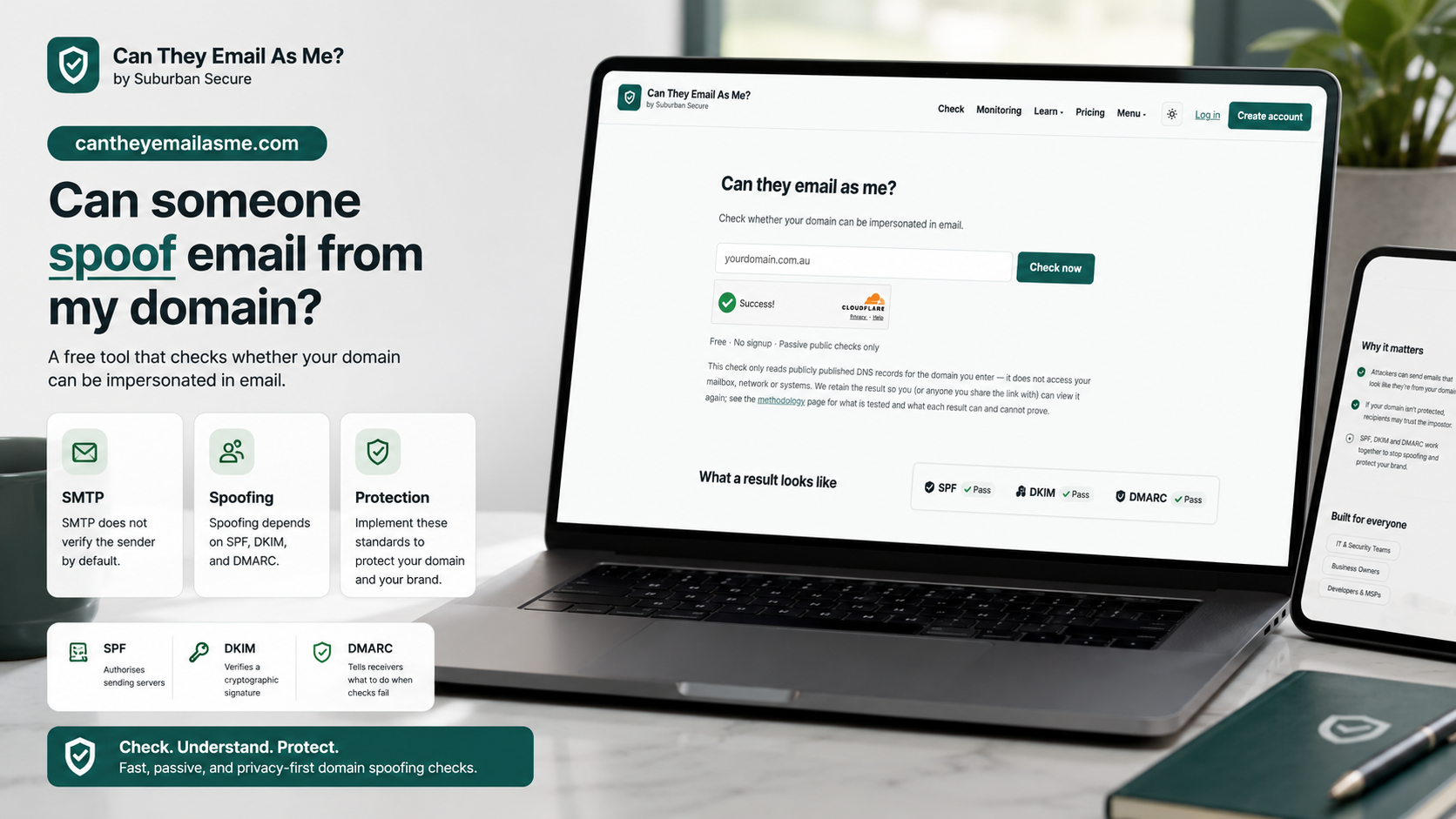
The Australian Signals Directorate and Australian Cyber Security Centre's small business and charity guidance both point to the same practical basics: multi-factor authentication, keeping software updated, backing up important data, and knowing what your public domain and email are quietly telling the world.