How to keep your small business secure from common cyber threats.
Tired of wading through pages of documents just to know if you're secure enough? You don't need enterprise security theatre — you need a level that fits your business, not a front door left unlocked overnight.
Check yourself against the basics first.
Use the practical guidance below to review your organisation's foundations, or start the Cyber Readiness Check for a short, guided self-assessment. For administrator access questions, explore Microsoft 365 security next steps.
Try the Cyber Readiness Check
Answer ten plain-English questions, review your next steps and choose whether to share the results with an enquiry.
Check your cyber readinessWant more than a self-assessment?
This checklist is a self-assessment — a good first step, but it relies on you answering honestly about things you may not be sure of. The free check below actually looks at your domain's public email, DNS and website security signals and tells you what it finds.
Free, instant, no signup
See what a scammer could already fake about your business.
Enter your business domain and get a free, instant, plain-English snapshot of your email, DNS and website security — no signup, no obligation, and an honest note on what a free check can't see.
Run the free check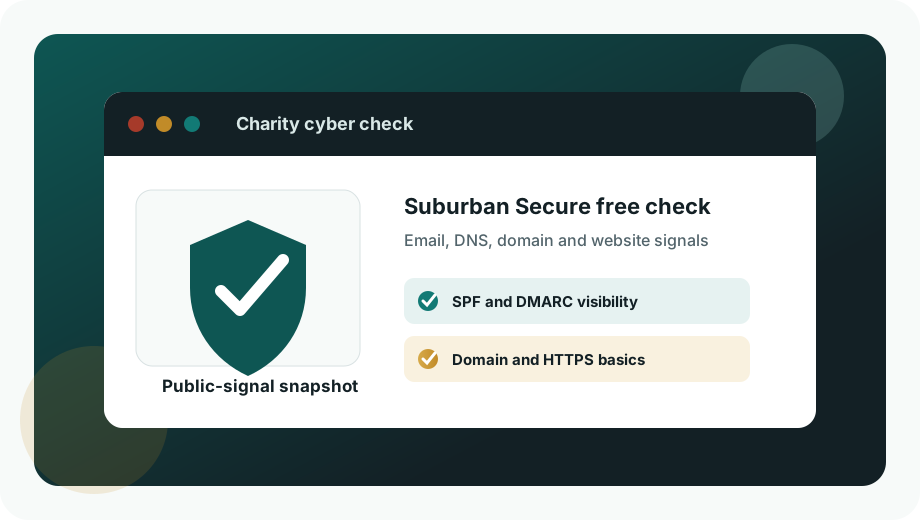
Free incident planning tool
Protection is only half the job. Plan the response too.
Create a short cyber incident response plan with named contacts, immediate actions and common-incident playbooks, then print it or save it as a PDF.
Your entries stay in your browser
No signup and no upload of your internal contacts. Build the plan privately, print a controlled copy and walk your team through it.
Build the free planASD's practical starting point.
The Australian Signals Directorate notes that even a minor cyber security incident can have serious impacts for a small business. Its small business guide starts with three basic measures that are worth doing before anything more complex.
- Turn on multi-factor authentication for email, banking, accounting, website, cloud storage and administrator accounts.
- Update your software so devices, apps, browsers, routers and business systems are not carrying avoidable known vulnerabilities.
- Back up your information and occasionally test that important files, email, accounting data and operational records can actually be restored.
Official guidance
Suburban Secure uses this kind of public guidance as a baseline, then helps translate it into the actual systems a business uses day to day.
A few things worth doing regardless of your result.
- If you only fix one thing this week, remove the shared Microsoft 365 admin login — that single account is where most of the risk sits.
- Turn MFA on today rather than scheduling it for "next quarter". It takes minutes and blocks the vast majority of account takeovers.
- Test one backup restore this month. A backup nobody has restored from is a guess, not a safety net.
- Write down who owns each account, subscription and admin login. If that list only exists in one person's head, it isn't documented.
Not sure where you stand? Talk it through.
If your readiness check showed gaps, or you'd rather have someone experienced look at the whole picture, a Leadership Technology Review turns this checklist into a clear, staged plan.
Request a reviewSourced from the ACSC
The guidance on this page draws on the Australian Cyber Security Centre's Small Business Cyber Security Checklist and Small Business Cybersecurity Guide. For further improvement, review the guidance appropriate to your organisation. ASD is maintaining Essential Eight alongside the new ASD Essentials during the transition; see our introduction and official guidance links. Existing Essential Eight work remains a useful foundation.
- ACSC Small Business Hub
- ASD Small Business Cyber Security Guide
- Small business cyber security checklist (PDF)
- ASD small business educational pack
To report a cyber security incident directly to government: cyber.gov.au or 1300 292 371 (1300 CYBER1).