· By Nicholas “Nick” O'Sullivan, Townsville
How to spot a scam before your business pays for it
A convincing scam no longer has to be full of spelling mistakes or come from an obviously strange address. Scammers can copy a supplier’s branding, imitate a manager’s writing style and use artificial intelligence to make a message look polished. The better test is not simply “Does this look professional?” but “Was I expecting this, and can I verify it another way?”
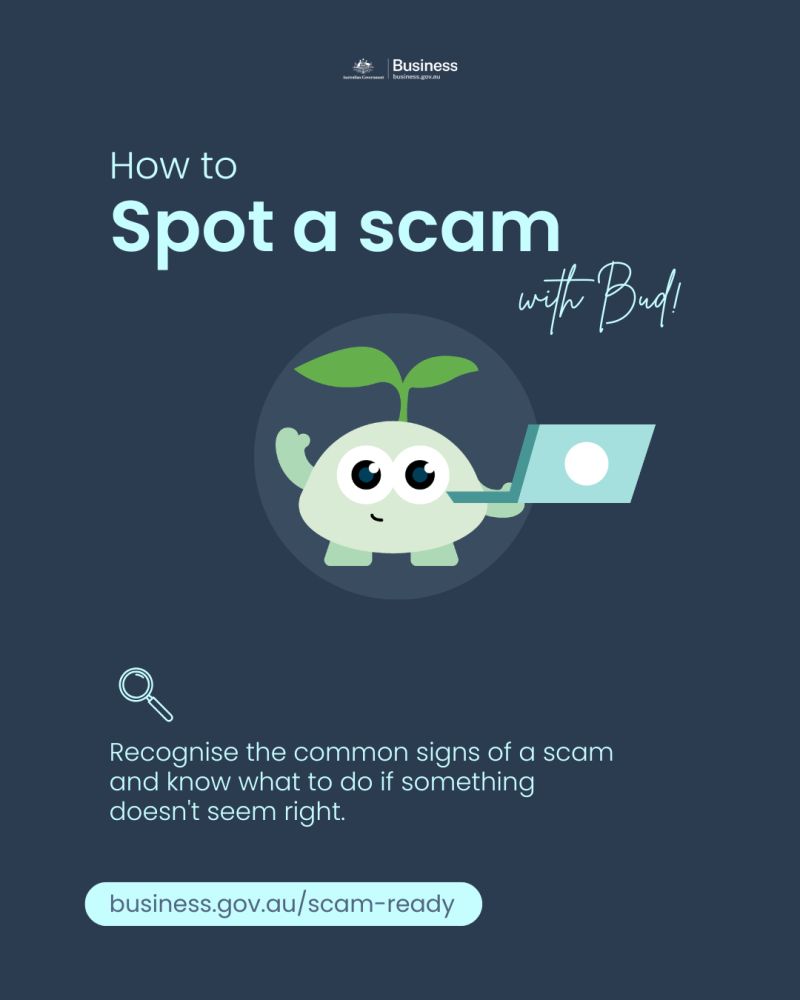
On 31 July 2026, Business.gov.au published a useful scam-spotting checklist for small businesses. These are the seven warning signs we think every staff member, volunteer and office bearer should know.
1. The contact is unexpected. A message may claim to come from your bank, a government agency, a delivery company, a supplier or even someone inside your organisation. An accurate logo, familiar name or real invoice number does not prove the sender is genuine. If you were not expecting the contact, treat it as unverified until you check it independently.
2. It creates urgency, fear or secrecy. “Act now”, “payment overdue”, “your account will be suspended” and “do not tell anyone yet” are designed to move you from checking into reacting. A legitimate request can survive a short pause. Slow down, read it again and ask someone else before doing anything irreversible.
3. It asks for a password or verification code. Do not give anyone your password, multi-factor authentication (MFA) code or account recovery code. A scammer who already has your password may call while trying to sign in and ask you to read back the code that would let them finish the takeover. Never approve an MFA prompt you did not initiate.
4. It pushes you towards a link, attachment or QR code. These can open a convincing fake login page, install malicious software or take you somewhere that steals payment and personal information. Instead of using what arrived in the message, open the organisation’s official app or type its known web address yourself. Remember that a padlock only means the connection is encrypted; it does not mean the site itself is honest.
5. Payment details have suddenly changed. A request to pay by gift card or cryptocurrency is an obvious warning, but ordinary bank transfers cause serious losses too. Treat every new account number, changed supplier bank account or unusual refund request as a separate verification event. Call a known contact using a number already in your records — not the phone number in the email — and have a second person approve material changes.
6. The message does not quite fit. Generic greetings, vague references, an unusual tone, a request outside the sender’s normal role or a transaction unrelated to your work all matter. Spelling and grammar errors can still be clues, but polished writing is not evidence of authenticity. Look at the whole context.
7. The sender address or destination is almost right. Display names are easy to fake. Check the full email address and, before entering anything, the actual website domain. Watch for swapped letters, extra words and lookalike domains. On a phone, where details are hidden more easily, take extra care before tapping.
A simple rule: stop, check, verify. When something feels wrong, do not reply, click or call the details supplied in the message. Pause and verify the request through a separate channel you already trust: open the official app, use a saved phone number, start a fresh email to a known address or ask the supposed sender face-to-face. For payments and account changes, a second-person check is a small inconvenience compared with trying to recover transferred funds.
If you think you have been scammed, act promptly without panicking. Keep the message, screenshots, payment records and other evidence, then:
- Contact your bank or financial institution immediately if money was sent or account details were exposed. Use its official number, not one from the suspicious message.
- Tell whoever looks after your organisation’s IT, especially if you clicked a link, opened a file, installed software or used a work device.
- Change affected passwords from a device you trust, sign out other sessions and review MFA methods and forwarding rules.
- Report cybercrime through ReportCyber and report the scam to Scamwatch.
- Contact IDCARE if personal or identity information may have been compromised.
The Australian Cyber Security Hotline is available on 1300 CYBER1 (1300 292 371). We have also put together a plain-English guide to who to report a cyber incident or scam to in Australia, because the right place depends on whether you have lost money, exposed identity information, suffered an account compromise or need to meet a regulatory obligation.
The most useful habit is also the simplest: if you are unsure, stop and verify before acting. Build that permission into your workplace culture so staff and volunteers know they will never be criticised for slowing down a payment or asking a second person to check. If you want to see whether your organisation’s email and public-facing security basics are doing their part, start with our free business cyber security check.