· By Nicholas “Nick” O'Sullivan, Townsville
10 practical ways to protect yourself from cyber attacks
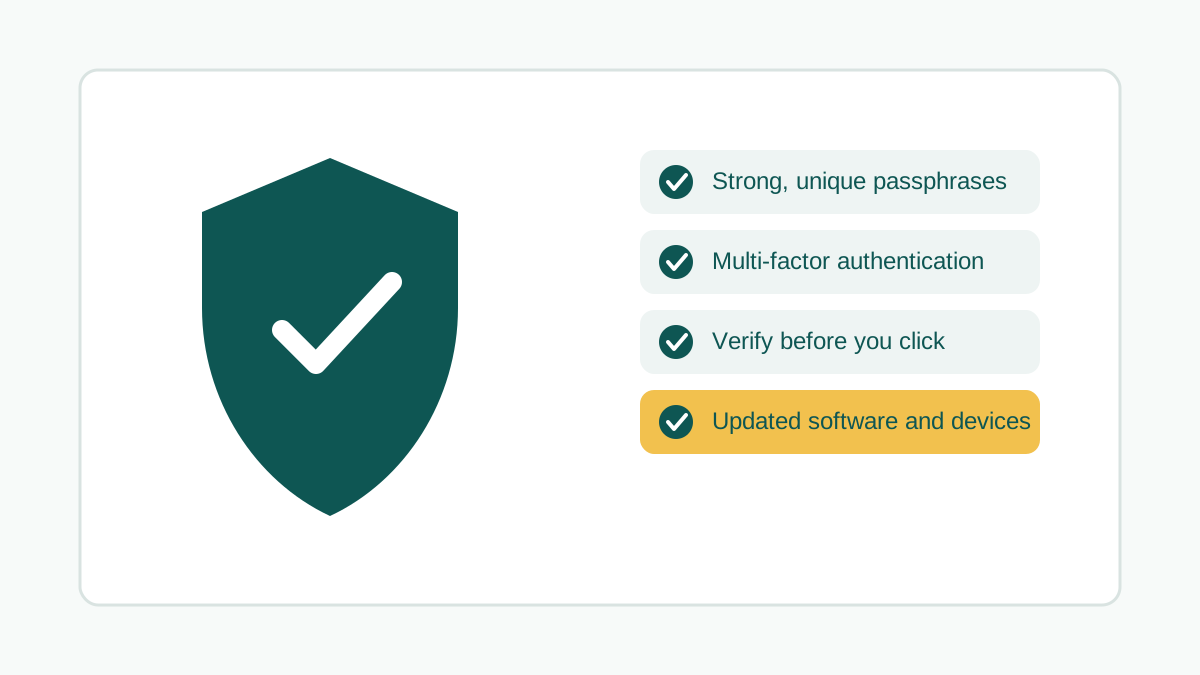
Nobody manages to click nothing, trust nothing and download nothing online — and you shouldn’t have to. The realistic goal isn’t paranoia, it’s a short list of habits that make you a genuinely harder target, at home and at work. None of what follows needs a technical background. Here are ten worth actually doing.
1. Check if you’ve already been breached. Before doing anything else, find out whether you’re already exposed. Have I Been Pwned checks your email address against known data breaches and tells you which ones it turned up in. If it shows something, stay calm and act methodically rather than urgently — a stolen username and password on an account you don’t care about is a low-level concern; a breach exposing your phone number means being more alert to unexpected calls and texts for a while.
Change the password on the affected account first, then anywhere you reused it or something close to it — banking, email, health and government services, and social media are the accounts worth checking first regardless of which one was actually breached. If changing a password offers to sign you out of that account everywhere else, say yes.
If you’re checking this on behalf of a business or charity rather than yourself, that’s a different check — our free business cyber security check or free charity cyber security check looks at your organisation’s domain, email authentication and website signals instead of a personal email address, and is worth running the same way.
2. Use a passphrase, not a password. Length beats complexity. The Australian Signals Directorate’s current guidance is four or more random, unrelated words, adding up to at least 15 characters — something like correct horse battery staple rather than a sentence, since sentences are easier to guess than genuinely random word combinations. A short, “complex-looking” password like P@ssw0rd1 is actually easier for modern cracking tools to break than a long passphrase, despite looking more secure to a human eye. Use a different passphrase for every account that matters — reusing one, even a strong one, means a single breach compromises everything it touches.
3. Avoid the obvious ones. A meaningful share of successful account takeovers use a password from a very short, well-known list. If any of these — or an obvious variation — are protecting one of your accounts, change it today:
123456(or any sequential numbers)passwordqwerty111111- Your own name, birthday, or pet’s name
4. Use a password manager. Remembering a genuinely unique passphrase for every account isn’t realistic without help, which is exactly what a password manager is for — it generates and stores strong, unique passphrases, then autofills them for you, usually unlocked with one master passphrase or your device’s fingerprint/face unlock. Bitwarden and 1Password are both solid, widely-used choices worth starting with. LastPass is still common too, and worth using properly if you’re already on it — just be aware it suffered a serious breach in 2022, so if you haven’t rotated your master password and turned on MFA since, that’s overdue.
5. Turn on multi-factor authentication everywhere it’s offered. Multi-factor authentication (MFA, sometimes called 2FA) means a stolen password alone isn’t enough to get into your account — you also need something like a code from an app, a prompt on your phone, or a security key. It’s the single highest-value control on this whole list, and it’s usually free and already built into the account you’re trying to protect. Prioritise email, banking, and any work account first, since those are the accounts an attacker can use to reach everything else.
6. Verify before you trust — emails, calls and messages alike. Treat unexpected contact as unverified until proven otherwise, whether it arrives as an email, a text or a phone call. Go slowly, look for urgency or emotional pressure (a classic manipulation tactic), and don’t click a link or call a number supplied in the message itself — look the organisation up independently instead. If your bank supposedly calls, hang up and ring the number on their official website or card, not the one they gave you.
This is also exactly the kind of email a scammer can send as if it came from a business or charity, if that organisation’s own domain isn’t properly protected — see our monitored DMARC service if you’re wondering whether your own organisation’s email could currently be spoofed this convincingly.
Nobody legitimate will pressure you to hand over personal information or payment details on the spot. If someone calls asking for sensitive information, it’s entirely reasonable to take their name and number and call back through a channel you’ve verified yourself — having some of your details already doesn’t prove they’re who they claim to be. That pressure-to-act-now pattern is the core of social engineering, and staying calm is usually the best defence against it.
7. Secure the device in your pocket. A lost or unlocked phone is a lost identity, not just a lost gadget. A few habits go a long way: a passcode, fingerprint or face unlock on every device; requiring authentication before new apps can be installed; turning Bluetooth and Wi-Fi off (or at least off auto-connect) when you’re not using them; and turning on remote lock and wipe wherever your device supports it, so a lost phone is an inconvenience rather than a disaster.
8. Keep everything updated. Updates exist because someone found and fixed a hole that could otherwise be used against you — an unpatched device or app is running with known weaknesses left wide open. Turn on automatic updates for your operating system, browser and apps so this happens in the background rather than depending on you remembering. This applies as much to a business’s server and software estate as it does to a personal phone.
9. Look for the padlock, and look closely at the address. Only enter sensitive information — card details, personal identifiers, login credentials — on a site showing the padlock icon and a web address starting with https://. An “invalid certificate” warning is a real reason to leave. Scam sites also frequently use a domain that looks almost right — a swapped letter, an extra word, or .org instead of .com.au — so it’s worth actually reading the address bar rather than trusting how the page looks. Only download files from sources you’ve independently verified; an unexpected download is one of the more common ways malware and ransomware actually get onto a device.
10. See something, say something. Reporting what you notice protects you and helps everyone else too. At work, report suspicious emails or files to whoever manages your IT rather than quietly deleting them — a colleague may have received the same message. Outside of work, ReportCyber (via cyber.gov.au or 1300 292 371) is the front door for cybercrime, Scamwatch handles scams, IDCARE supports identity theft and data breach recovery, and eSafety helps with online harm and abuse. We’ve mapped out which one to use for what in more detail in who to actually call for a cyber incident or scam.
Why this actually matters, in numbers. ASD’s ACSC publishes an Annual Cyber Threat Report each year, and the 2024–25 edition is a useful reality check on how much this has grown, not shrunk:
- Over 42,500 calls to the Australian Cyber Security Hotline — up 16%, averaging 116 calls a day.
- Over 84,700 cybercrime reports to ReportCyber — a report roughly every 6 minutes.
- Average self-reported cost of cybercrime per report: $33,000 for individuals (up 8%) and $80,850 for businesses overall (up 50%) — $56,600 for small business, $97,200 for medium and $202,700 for large organisations (up 219%).
- Publicly reported vulnerabilities (CVEs) up 28%, and DoS/DDoS incidents responded to up more than 280%.
- Ransomware held steady at 11% of reported incidents; identity fraud remained the single most-reported cybercrime type.
None of those numbers are moving in a reassuring direction, which is exactly why the habits above are worth building now rather than after an incident. If you’re doing this for yourself, the ten steps above are a genuinely solid starting point. If you’re doing it on behalf of a business, charity or church, the same logic scales up — a Leadership Technology Review is the organisational version of this checklist. Get in touch if you’d like a second set of eyes on where your organisation actually stands.