The right start
The right applications and settings, applied consistently rather than however the first user happened to set it up.
Your electricians, plumbers, technicians and mobile service staff shouldn't need to set up a company iPad with somebody's personal Apple Account before they can quote a job, open the schedule or take site photos.
Suburban Secure helps Australian businesses connect Apple Business Manager with a suitable mobile device management (MDM) platform. For eligible devices bought through Apple or a participating reseller, that can mean a new iPad or iPhone is assigned to your business before it reaches the worker — so when it's first turned on and connected, it follows your organisation's setup and enrols into management.
The result is a device built for work, owned by the business, and able to be reassigned cleanly when a staff member changes role or leaves.
We map your devices, apps and current setup, confirm what's eligible, and give you a written recommendation and price before anything changes.
Discuss an Apple device rolloutDepending on the devices, ownership model and management platform you choose, a deployment can include:
No employee's personal Apple Account needs to become the unofficial owner of the business device or its application setup. Where Managed Apple Accounts are useful, they're created and controlled by the organisation, and apps can be assigned through Apple Business Manager and MDM without a personal account on every iPad.
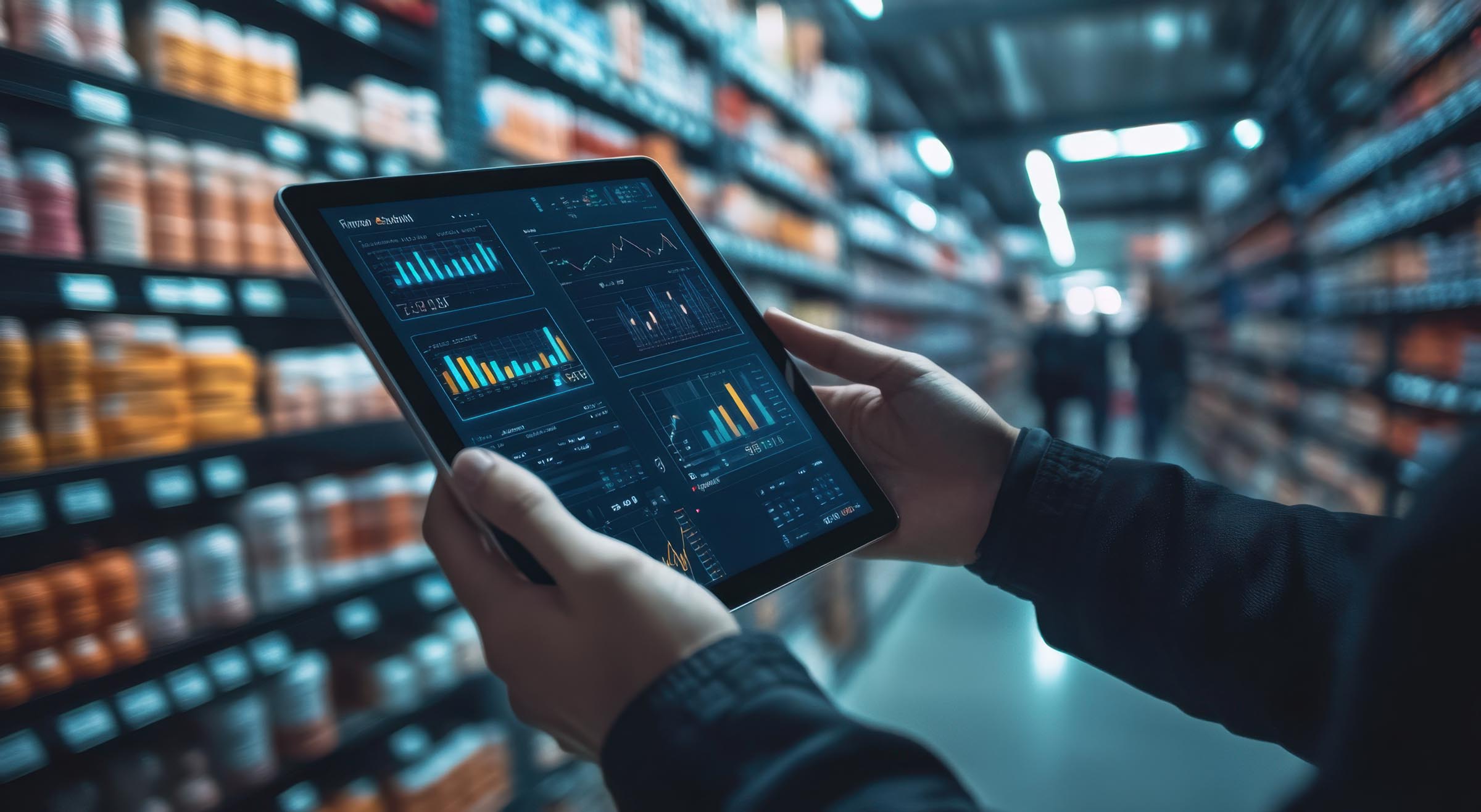
For a trade or service business, the iPad is often the office in the vehicle — the day's jobs, customer details, quotes, site photos, safety forms and access to email or cloud files. A personal setup is easy on day one, but hard to govern when a device is lost, replaced or handed to the next employee. Device management is usually one part of a wider picture — see IT and cyber security for trades and construction businesses.
The right applications and settings, applied consistently rather than however the first user happened to set it up.
A documented inventory and owner, so nobody has to guess which device belongs to which job or worker.
An agreed response for a lost or stolen device, instead of working it out for the first time during an emergency.
A repeatable process for the next hire, and less dependence on whichever employee originally set the device up.
Apple Business Manager is Apple's portal for organisation-owned devices, Managed Apple Accounts and app licences — it is not, by itself, the management system. The mobile device management platform applies your organisation's enrolment, configuration, application and security settings. Suburban Secure helps design and connect the two, work with an eligible supplier or reseller, test the setup and document how your team will operate it.
Apple or participating reseller → Apple Business Manager → your chosen MDM → iPad/iPhone at first setup → apps, settings and work access.
For an iPad or iPhone owned by the business, Automated Device Enrolment and supervision can provide the strongest controls and the simplest repeatable setup — normally the right model for a device issued as a work tool.
Some teams share devices between shifts. Others need an iPad to run one approved app for reception, point of sale, check-in or a field workflow. Supported supervised deployments can be designed for Shared iPad or Single App Mode where the use case and chosen MDM are suitable.
If staff use a personal iPhone or iPad, the privacy balance is different. Apple's User Enrolment model can separate managed work data from personal data, and deliberately limits what the organisation can see or erase. We help decide whether BYOD is appropriate — it shouldn't be managed like a company-owned device.
Existing iPads can also be assessed. Some can be added using Apple Configurator, but an erase and fresh setup may be required to achieve the intended supervision and enrolment state — we explain that before any device is changed.

No. Apple Business Manager links your organisation, eligible devices and app licences to a separate device-management service. The mobile device management (MDM) platform is what actually applies the settings and management actions.
For an eligible device correctly assigned by Apple or a participating reseller, Automated Device Enrolment can begin when the user first turns it on and connects it to the internet. The user still completes the organisation's Setup Assistant steps. We confirm the supplier workflow during planning — it depends on the supplier participating in Apple Business Manager and correctly submitting the order.
Often, yes, but the pathway depends on the model, current setup and proof of ownership. Some devices may need Apple Configurator and an erase before they can be supervised and managed as intended — we'll explain that before any device is changed.
Apple supports a privacy-preserving User Enrolment model for appropriate BYOD cases. Its controls are deliberately more limited than management of a supervised, organisation-owned device. We recommend the model that matches ownership and risk rather than treating every device the same.
Available actions depend on how it was enrolled. Supported supervised devices can offer stronger lost-device controls, including Managed Lost Mode and remote erase. The response process, authorised contacts and backup assumptions are agreed and documented during the project.
Tell us how your team uses iPad or iPhone today, where you buy devices and which apps keep the work moving. We'll map the practical path from a personal, one-off setup to a repeatable business-owned deployment.
Discuss an Apple device rolloutApple, Apple Business Manager, iPad, iPhone and related marks are trademarks of Apple Inc. Suburban Secure is not Apple Inc. and is not presented as an Apple-authorised reseller. Features depend on device model, operating-system version, ownership, enrolment method, supplier participation and the selected third-party management platform. Scope and licensing are confirmed before implementation.